
What's Wrong With My Website (And How Do I Fix It?)
- Adam Churchwell
- Dec 1, 2025
- 5 min read
Updated: Dec 3, 2025
Your website is supposed to be your 24/7 salesperson, but what if it's actually driving customers away instead of bringing them in? Don't worry, you're not alone. Most small business owners are sitting on websites that could be performing so much better with just a few simple fixes.
Let's dive into the most common website problems and, more importantly, how to fix them without needing a computer science degree.
Problem #1: Your Website Loads Slower Than a Monday Morning
What's happening: If your site takes more than 3 seconds to load, you're losing visitors faster than you can say "bounce rate." Google actually penalizes slow websites in search rankings, so this isn't just a user experience issue, it's a business problem.
How to spot it: Use Google PageSpeed Insights (it's free!) to test your site. If you see red scores or anything below 50, you've got work to do.
Quick fixes you can do today:
Compress your images using TinyPNG before uploading them
Delete plugins you're not actually using (yes, that weather widget from 2019)
Enable caching with plugins like W3 Total Cache or WP Super Cache
Choose a better hosting provider if yours is consistently slow
The bottom line: A fast website keeps visitors happy and Google happy. Win-win.

Problem #2: You're Invisible to Google (And Your Customers)
What's happening: Your website isn't showing up in search results because search engines either can't find it or don't think it's worth showing to people.
How to spot it: Type "site:yourwebsite.com" into Google. If hardly any pages show up, you've got indexing issues. Also, if you're not ranking for your own business name, that's a red flag.
Quick fixes:
Submit your sitemap to Google Search Console (it's like giving Google a roadmap to your site)
Use your main keywords in page titles, headings, and naturally throughout your content
Write helpful, original content that answers questions your customers actually ask
Get other reputable websites to link to yours (start by reaching out to local business partners)
Pro tip: Don't stuff keywords everywhere like you're making a sandwich. Google is smart: write for humans first, search engines second.
Problem #3: Your Navigation Is a Maze
What's happening: Visitors can't find what they're looking for, or worse, they're hitting dead ends with broken links.
How to spot it: Click through your entire website like you're a customer. Are there broken links? Confusing menu items? Pages that lead nowhere?
Quick fixes:
Use tools like Broken Link Checker to find and fix dead links
Simplify your navigation menu: if you need more than 7 main items, you're probably overcomplicating things
Add a search bar to help visitors find specific information
Create clear breadcrumbs so people know where they are on your site
The golden rule: If you can't find what you need in 3 clicks, your visitors probably can't either.

Problem #4: Your Website Hates Mobile Users
What's happening: Your site looks great on your desktop but turns into a hot mess on smartphones. Since most people browse on mobile, this is like closing your store during rush hour.
How to spot it: Use Google's Mobile-Friendly Test or just pull up your site on your phone. Are buttons too small to tap? Is text too tiny to read? Does it look squished or broken?
Quick fixes:
Choose a responsive theme that automatically adjusts to different screen sizes
Make buttons and links big enough for thumbs (at least 44 pixels)
Ensure text is readable without zooming
Test forms to make sure they work on mobile devices
Reality check: Over 50% of web traffic comes from mobile devices. If your site isn't mobile-friendly, you're literally turning away half your potential customers.
Problem #5: Your Calls-to-Action Are Playing Hide and Seek
What's happening: Visitors land on your site but have no idea what they're supposed to do next. No clear direction means no conversions.
How to spot it: Look at each page and ask: "What do I want visitors to do here?" If the answer isn't obvious within 5 seconds of landing on the page, you need better calls-to-action.
Quick fixes:
Use action words like "Get," "Start," "Download," or "Call" in your buttons
Make buttons stand out with contrasting colors
Place your most important call-to-action above the fold (visible without scrolling)
Be specific: "Get Your Free Quote" is better than "Click Here"
Limit choices: too many options lead to decision paralysis
Remember: Every page should have a purpose and guide visitors toward that purpose.
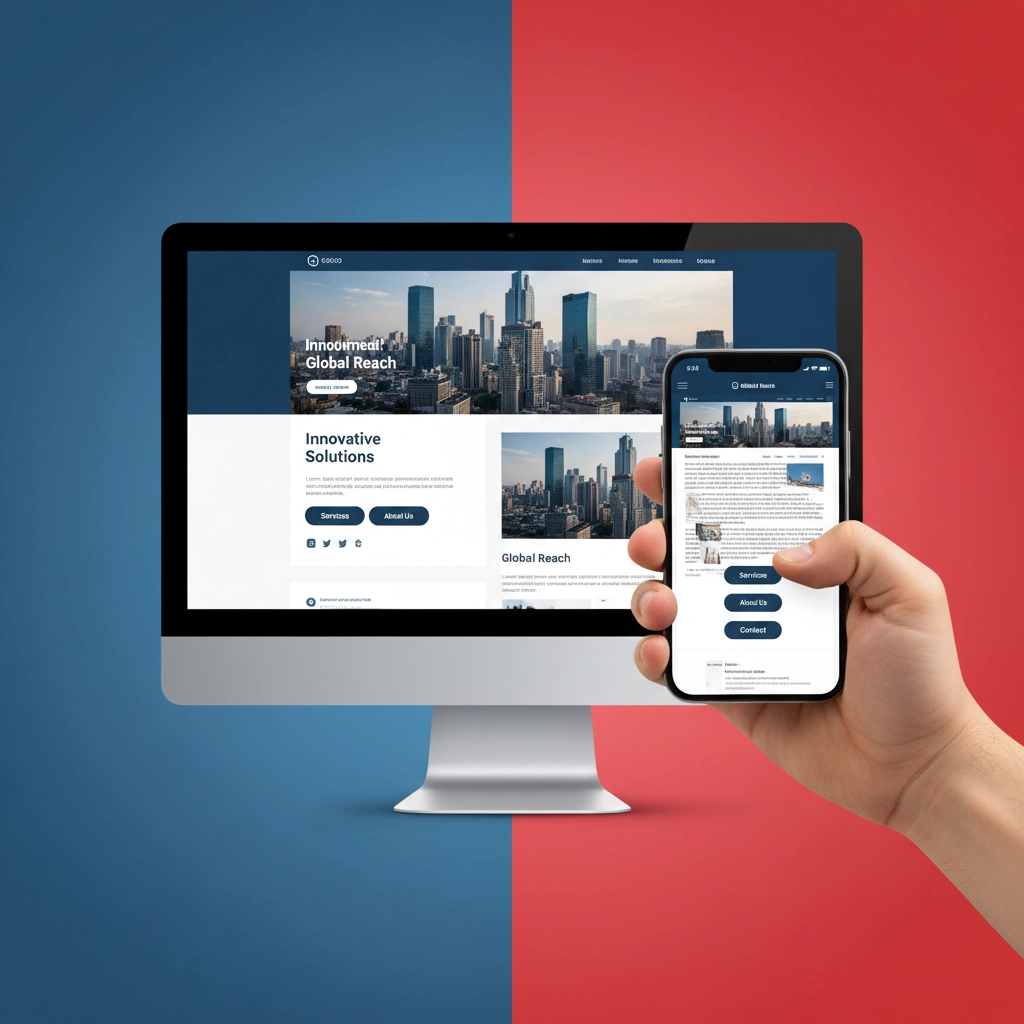
Problem #6: Your Website Looks Like It's From 2005
What's happening: Outdated design, poor color choices, or inconsistent branding make your business look unprofessional.
How to spot it: Be honest: does your site look modern? Is it consistent with your branding? Would you trust a business with a website like yours?
Quick fixes:
Use consistent fonts (2-3 maximum) throughout your site
Stick to a cohesive color scheme that matches your brand
Add white space: cramped layouts look unprofessional
Use high-quality images that represent your business well
Update copyright dates and remove outdated information
Problem #7: You're Not Building Trust
What's happening: Visitors don't feel confident enough to do business with you because your site lacks credibility indicators.
Quick fixes:
Add customer testimonials and reviews
Display contact information prominently
Include an "About" page with real photos of your team
Show security badges on checkout or contact forms
Keep your content fresh and up-to-date

Your Website Audit Checklist
Here's your step-by-step action plan:
Week 1: Speed and Technical Issues
Test site speed with Google PageSpeed Insights
Compress images and enable caching
Fix broken links using Broken Link Checker
Submit sitemap to Google Search Console
Week 2: Content and SEO
Review and update page titles and descriptions
Add or improve content on key pages
Ensure contact information is easy to find
Check that your site works perfectly on mobile
Week 3: Conversion Optimization
Review calls-to-action on every page
Add testimonials or reviews
Simplify navigation
Test all forms and contact methods
Week 4: Ongoing Maintenance
Set up monthly speed tests
Schedule quarterly content reviews
Monitor broken links monthly
Track key metrics like bounce rate and conversion rate
The Bottom Line
Your website problems aren't permanent: they're just opportunities waiting for solutions. Most of these fixes don't require technical expertise or a huge budget, just some focused attention and consistent effort.
Start with the issues that impact user experience most (speed, mobile-friendliness, and navigation), then work your way through the rest. Remember, small improvements add up to big results over time.
Need help prioritizing which problems to tackle first? Our team at ASC Consultants specializes in helping small businesses turn their websites into conversion machines. We've seen it all and know exactly how to diagnose and fix the issues holding your website back.

Your website should work as hard as you do. With these fixes, it finally will.

Comments